Visualize the long work.
Share the growing.
A desktop companion for animators, game developers, illustrators, filmmakers, makers, and any artist whose project needs time to see the finish line. Drop a sketch, a render, a BTS clip into today's column. Watch the frame fill up. Share the growing.
A desktop app for visual artists to see the work happening.
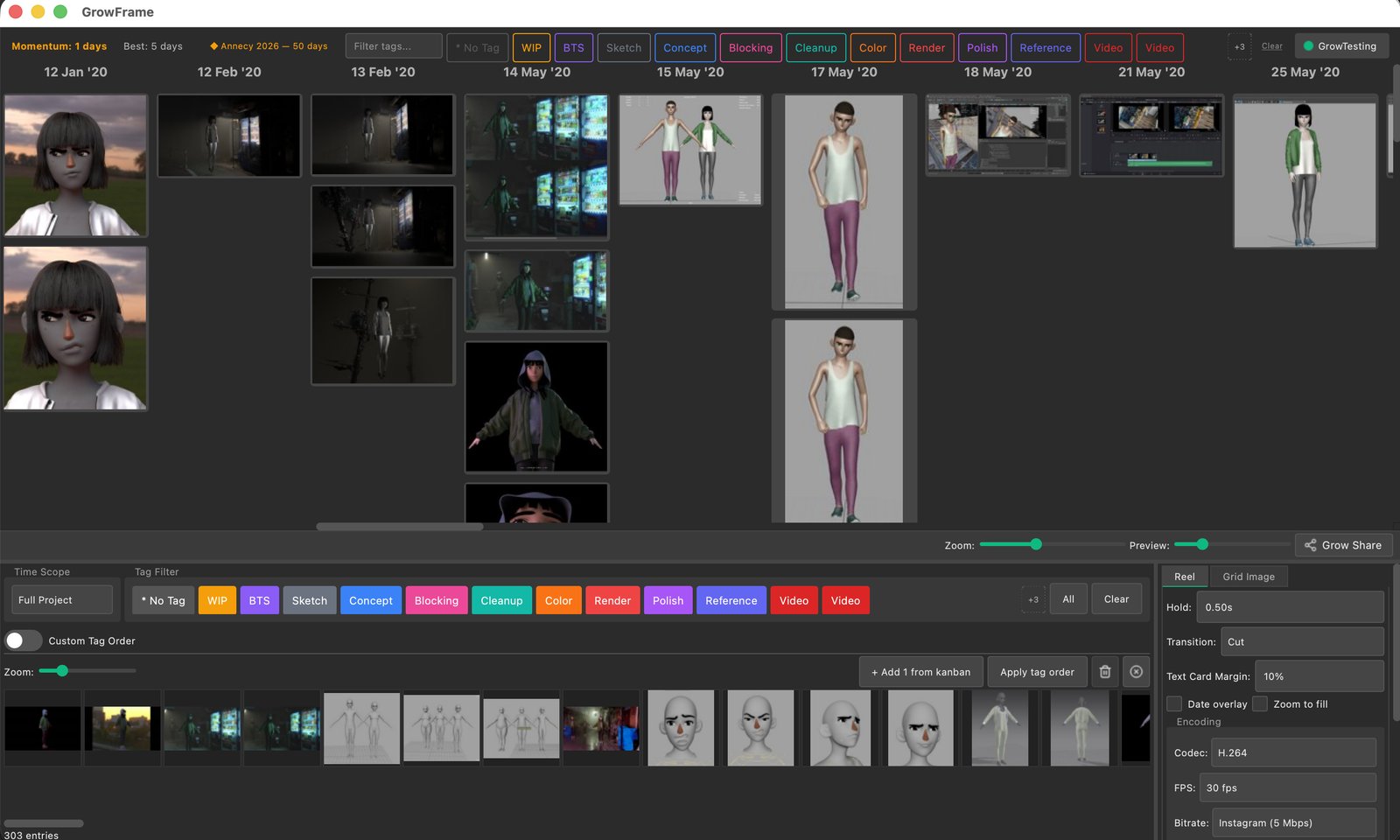
A Kanban-style calendar where you drop an image, a video, or a GIF to represent each day's progress. The columns grow. The project becomes visible. You feel momentum on something that usually feels invisible.
…a project management tool.
No tickets. No burndowns. No sprint planning. GrowFrame doesn't care what you plan to do — it cares what you actually did today, and it keeps a visible record.
…a tool that makes project progress visible and keeps you motivated.
Planning and willpower only get you so far. GrowFrame sustains long creative work by making progress visible, tangible, and shareable — the invisible six-month grind, made real.
In a world of AI-generated content, GrowFrame celebrates the human creative process — the messy sketches, the failed renders, the incremental improvements. Your timeline is a story of real work, real struggle, and real growth. Sharing it encourages other artists to keep going on their own hard projects.
I'm seven
years into one
animated short.
GrowFrame is the tool I built to keep myself going.
For seven years I've been dropping progress images into a folder on my laptop. Some years a lot. Some years almost nothing. When I open that folder and scroll — the rough sketches, the failed renders, the tiny wins — it's the only thing that keeps me going.
Planning apps didn't help. Gantt charts didn't help. They're built for teams shipping features, not for one person painting the same frame for a week. In a world drowning in AI-generated content, what we have left as human artists is the messy, incremental, deeply personal process. That's worth showing.
GrowFrame makes the long work visible. Drop today's work in. The timeline grows. A few weeks, months, or years later, you can see all your progress at a glance — something to motivate you to continue, share what you're making, and finish it.
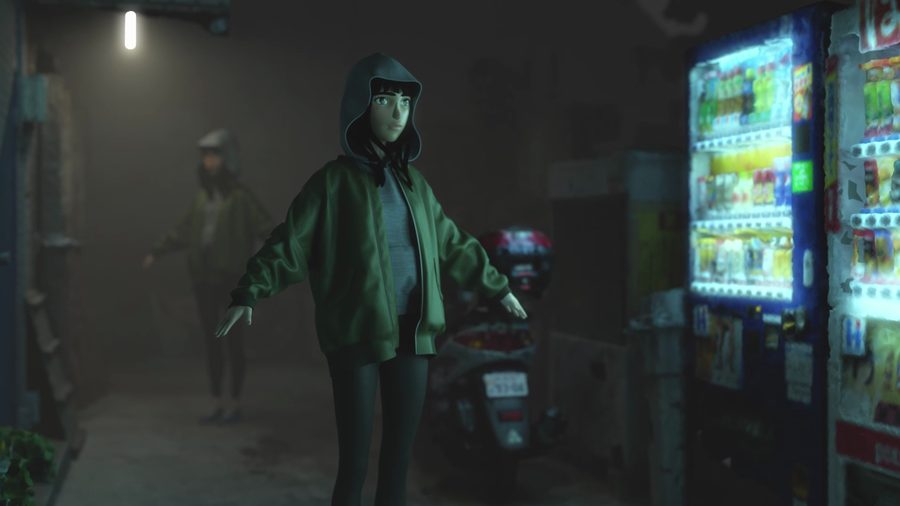
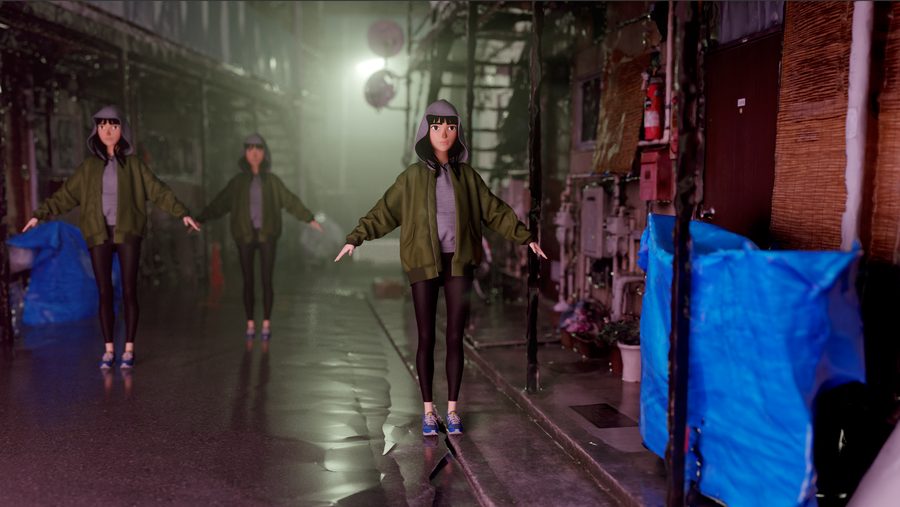
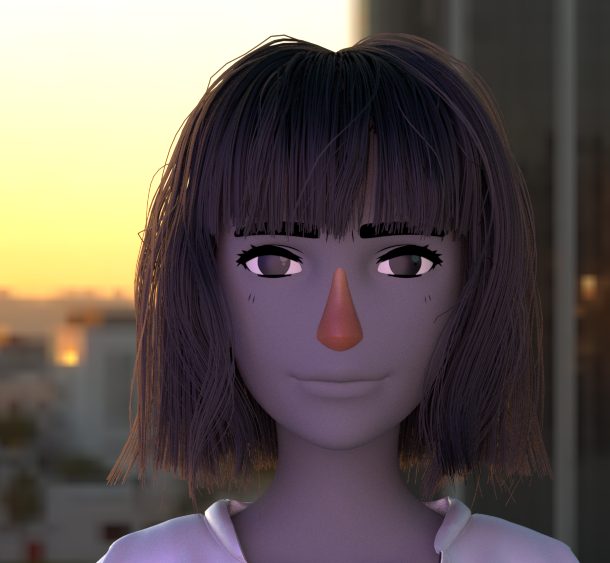
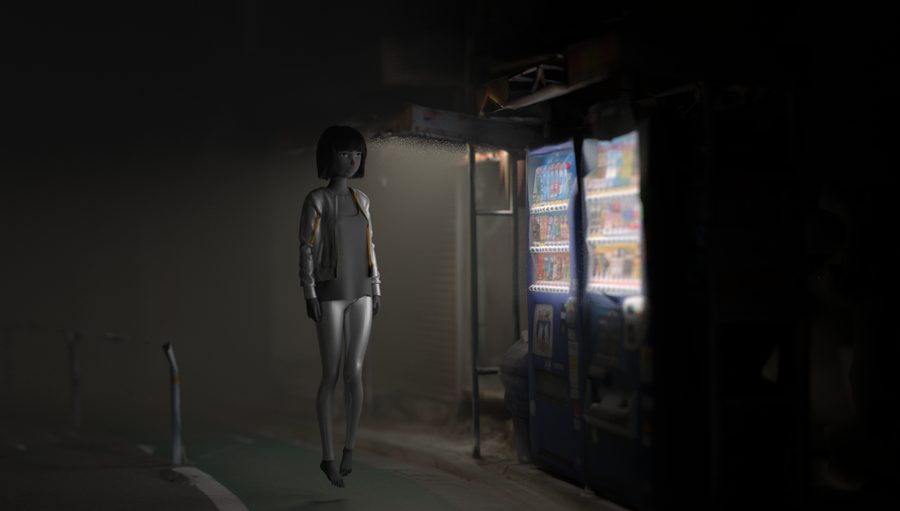
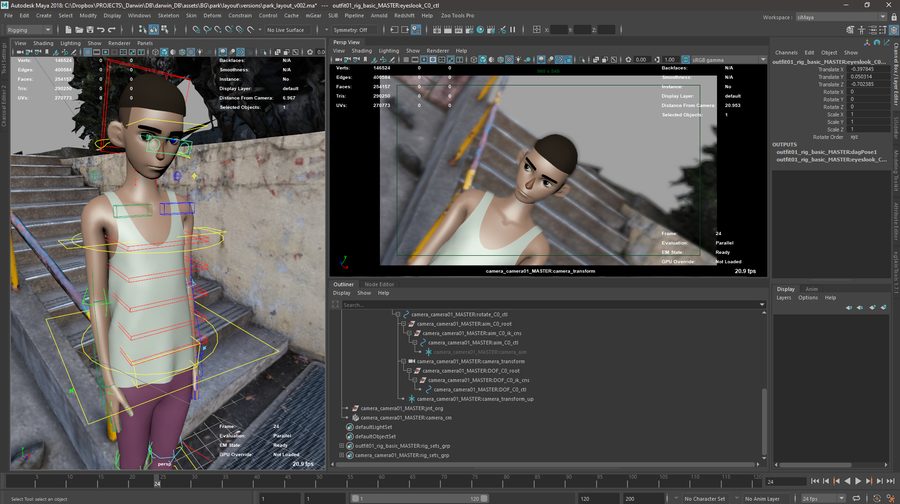
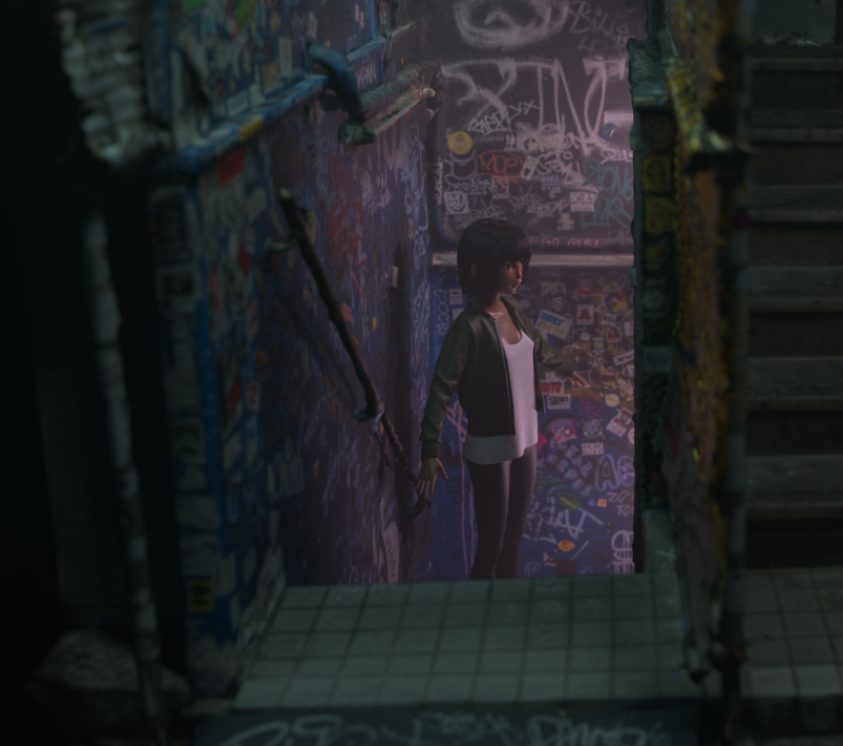
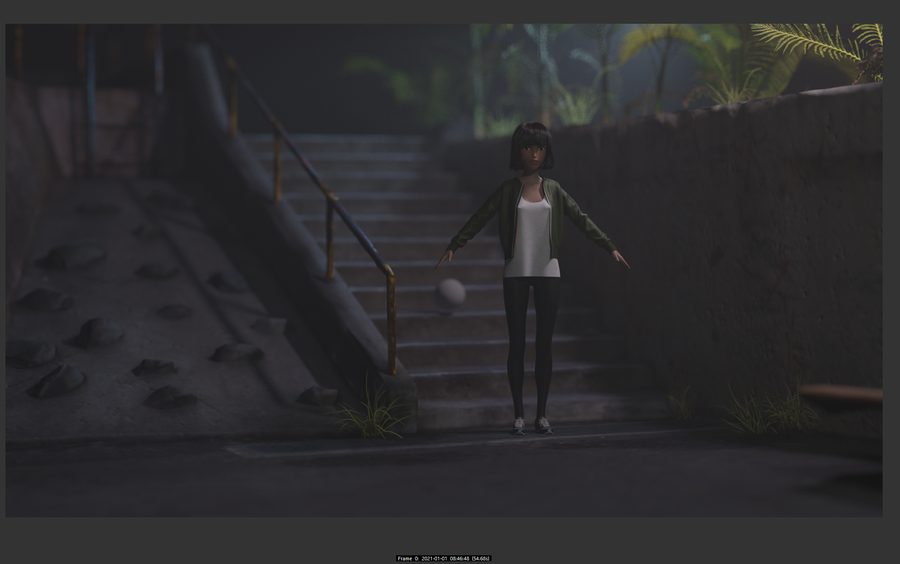
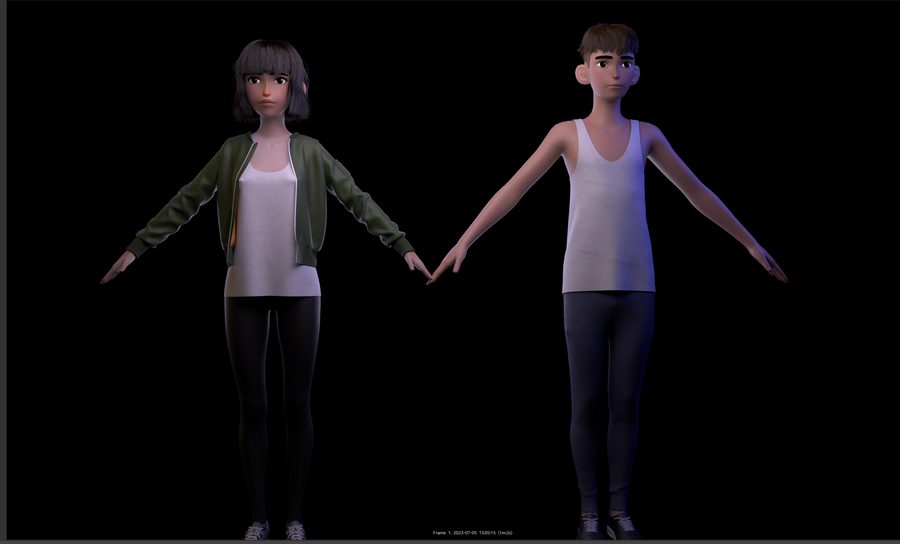
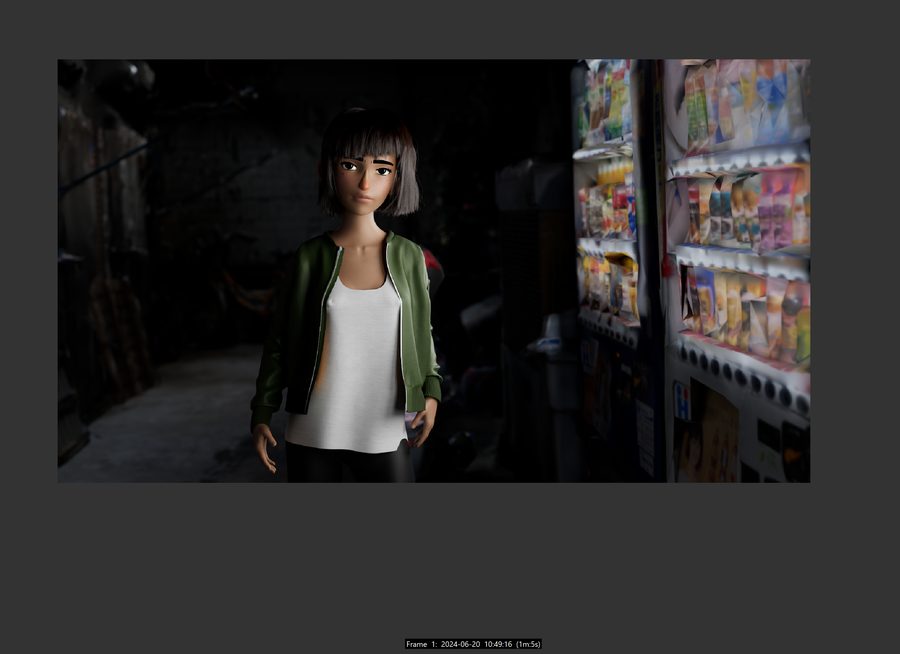
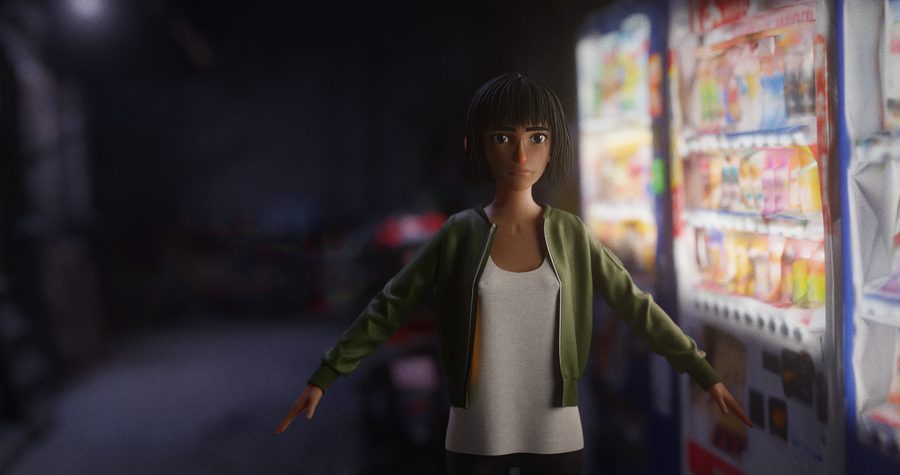
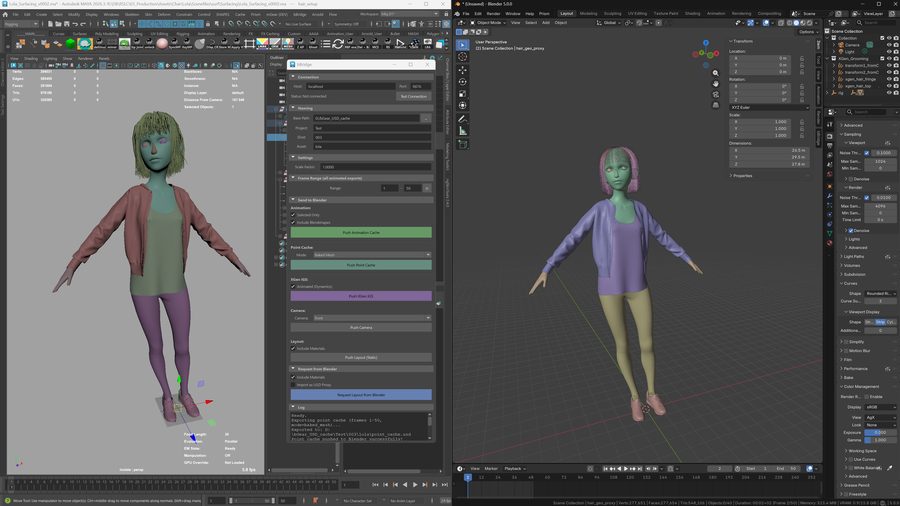

Visualize the progress. Turn it into a reel.
Watch your project grow
A calendar view of every day you work. Drops stack up in today's column; weeks of progress lay themselves out. Open the app and the timeline itself becomes the motivation — and the momentum counter rewards showing up, not output.
Reels in one click
Tag your entries as you drop them in. Pick a tag, pick a date range, hit Export. GrowFrame's export engine renders timelapses, grid images, montages, side-by-side comparisons — in Square, Portrait, Landscape, and Vertical, all in one pass. The tags are how you tell the reel which story to tell.
Your data, your disk
No cloud, no account, no tracking. Your timeline is a folder on your disk — back it up where you want, sync it however you like, move it freely between machines. The work stays yours.
Drop work in any way
Drag from the desktop. Capture the screen. Import a folder of renders. Or point a watch folder at iCloud or Dropbox so anything you shoot on your phone lands in today's column without you opening the laptop.
Deadlines stay visible
Set milestones for festival deadlines, gallery dates, your own checkpoints. Countdowns and overdue indicators surface on the calendar, so the goal is always in your peripheral vision while you work.
One app, every project
Each project gets its own calendar, tags, and accent color. Your animated short, your photography year, your commercial work — all in one app, one click between them.
Four reels, zero editing.
Every reel below was generated from a real GrowFrame timeline in one click. Pick your tags, pick your range, done.
Pay once.
Own it.
No subscriptions. One price, one license, all 1.x updates included. If GrowFrame isn't the tool for you, email me within 30 days for a full refund.
- One-time purchase — pay €35, keep forever
- All 1.x updates included (free)
- macOS 15+ (M1+) and Windows 10/11
- 1 license activates on 2 machines (fair use, 1 user)
- 30-day full refund, no questions asked
FAQ.
Yes. €35 once, license key is yours. You get every 1.x update free. If I ever release 2.0 it will be a paid upgrade (with a discount for existing owners) — but 1.x will keep working and keep getting bug fixes.
Yes — for educational institutions (schools, universities, art and animation programs). I offer package discounts at 25, 50, and 100+ license tiers. Email me at hello@growframe.app — tell me which institution and roughly how many seats you need, and I'll send a quote.
macOS 15 or later on Apple Silicon (M1 or newer), or Windows 10 / 11. Intel Macs aren't supported — the macOS build is Apple Silicon only.
Images (PNG, JPG, JPEG, BMP, TIFF, WebP), videos (MP4, MOV, AVI, MKV, WebM), and GIFs. GrowFrame stores originals locally and generates its own thumbnails for the grid.
On your machine. GrowFrame is a local-first desktop app — no cloud, no account required, no tracking. Your timeline is a folder on your disk you can back up, sync with iCloud/Dropbox, or move freely.
Yes. Create as many projects as you like — each gets its own timeline, tags, and reels.
One license activates on up to 2 machines at the same time — a fair-use allowance meant for one person (your desktop and your laptop, for example). It's not a team license; if you want to equip a studio, get in touch.
No — I'm a solo developer and staying focused on the desktop experience. But GrowFrame has a watchfolder system: point it at any folder that syncs to your phone (iCloud Photos, Dropbox, Google Drive, Syncthing) and any image or video you drop in from your phone lands in today's column automatically.
Email me within 30 days for a no-questions-asked full refund. I want you to actually use it.